Podcast Transcript API: 4 Easy Steps to Get Text
On this page
Podskrift’s podcast transcript API lets scripts and agents resolve an episode, start transcription, and retrieve the finished text over HTTP. New accounts get 60 minutes of audio free; after that, you add your own OpenAI API key.
You heard something useful on Sunday. By Wednesday, you remember the idea but need the actual wording. A browser workflow means finding the episode, clicking Transcribe, waiting, and downloading a file. With an API, your script can handle that sequence and put the text where you work.
Disclosure: Podskrift is our own ProductivityTech product. This guide explains the API we built.
A podcast transcript API in 4 practical steps
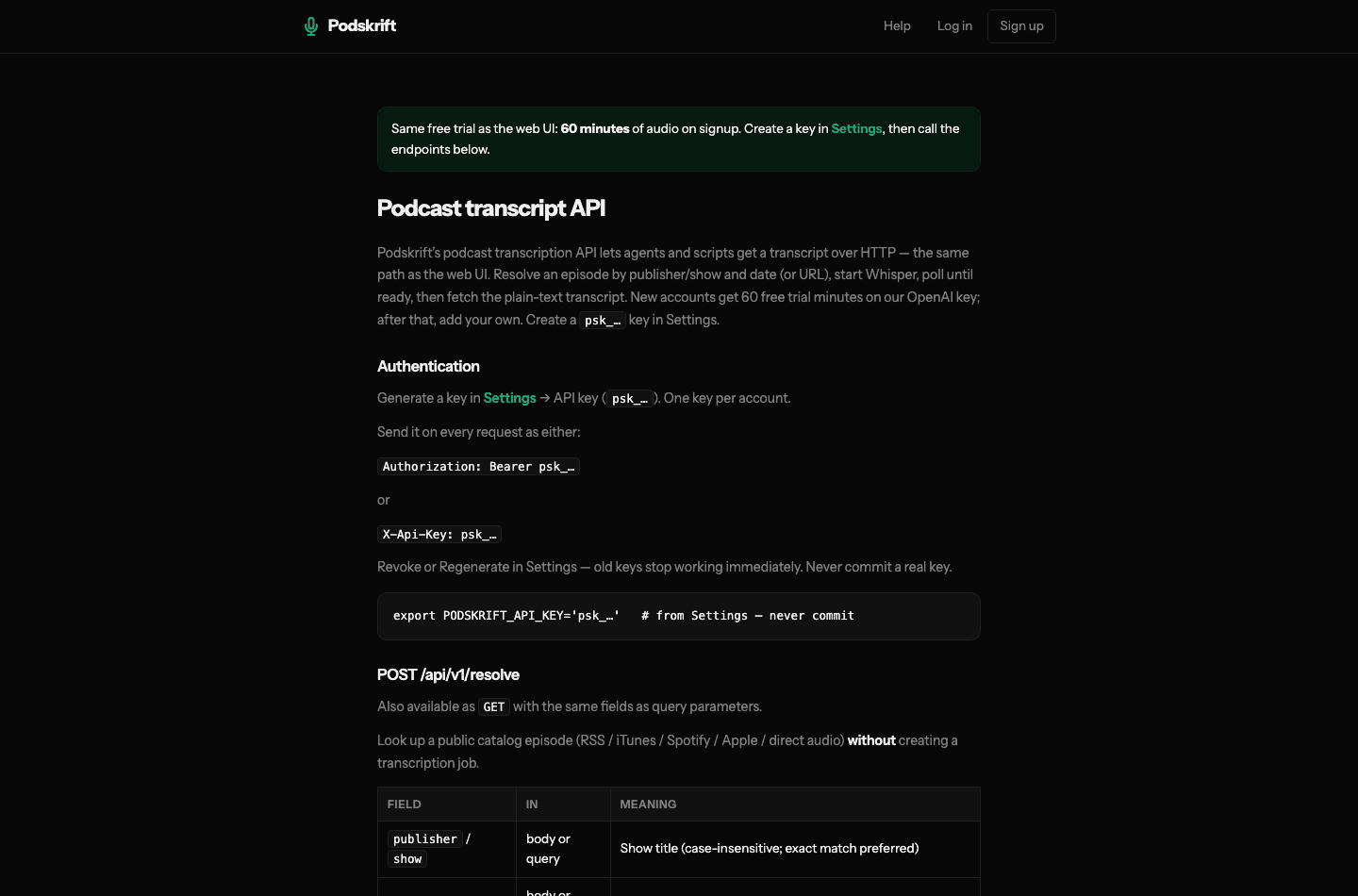
Create a Podskrift account, open Settings → API key, and generate your personal psk_… key. This authenticates requests to Podskrift. It is separate from the OpenAI key used to pay for transcription after your trial.
The examples below follow the live API documentation. Set PODSKRIFT_API_KEY in your local environment. Replace the sample show and date with your episode; dates use the Europe/Oslo calendar.
1. Resolve the episode
Resolve searches the public catalog without starting a transcription or spending trial minutes. The response includes episode metadata, so check the title before proceeding.
curl -sS https://podskrift.com/api/v1/resolve \
  -H "Authorization: Bearer $PODSKRIFT_API_KEY" \
  -H 'Content-Type: application/json' \
  -d '{"publisher":"Spårtsklubben","date":"2026-09-10"}'
You can also supply a supported episode or feed URL. A catalog result has no job ID yet: finding audio and transcribing it are separate operations.
2. Start transcription
Send the same selection to the transcription endpoint. This step uses your account’s trial allowance or saved OpenAI key.
curl -sS https://podskrift.com/api/v1/transcriptions \
  -H "Authorization: Bearer $PODSKRIFT_API_KEY" \
  -H 'Content-Type: application/json' \
  -d '{"publisher":"Spårtsklubben","date":"2026-09-10"}'
Copy the returned id into an ID environment variable. A new job returns HTTP 201. Repeating the same show-and-date request while its job is pending or ready returns the existing job with reused: true.
3. Check progress
curl -sS -H "Authorization: Bearer $PODSKRIFT_API_KEY" \
  "https://podskrift.com/api/v1/episodes/$ID"
Check transcript_status. If it is pending, wait before checking again. Continue when it becomes ready; stop and inspect the error if it becomes failed. These are individual requests, not an automatic polling loop.
4. Retrieve the text
curl -sS -H "Authorization: Bearer $PODSKRIFT_API_KEY" \
  "https://podskrift.com/api/v1/episodes/$ID/transcript"
The ready response contains the transcript in text. For a plain-text response, add ?raw=1. A pending transcript can still return HTTP 200, so your script must check the status rather than treating every successful HTTP response as finished text.
“Get Sunday’s transcript in three days”
Suppose your church publishes its Sunday sermon as a public podcast. You want the transcript on Wednesday for a discussion group. Give your scheduler or agent the show name and the exact Sunday date.
- Schedule your own script to run on Wednesday.
- Resolve the Sunday episode and confirm the match.
- Start transcription, then poll with a delay and a timeout.
- Save the finished text to your notes or a local file.
The scheduling belongs to your automation tool; the podcast transcript API supplies the episode and transcription operations. Verify names and quotations against the audio before sharing them. If you prefer the browser, our podcast-to-text guide covers that workflow.
60 free minutes, then your own OpenAI key
The API and web interface share one 60-minute trial allowance. It is audio time, not a 60-minute window after signup. After the trial, add your own OpenAI key in Settings and pay OpenAI directly for usage.
Do not assume a long episode will be partially covered. The API documents HTTP 402 for an exhausted trial or an episode above the trial’s per-episode cap. Choose a short first episode; handle allowance errors before retrying.
When we built Podskrift’s audio pipeline, a variable-bitrate recording produced a 27 MB chunk despite a 24 MB target. We now prepare audio in 15-minute segments. The API uses that same processing path, so your script handles HTTP requests while Podskrift handles the audio preparation.
Frequently asked questions
For more on supported audio sources, see our Spotify transcript export guide.
Try it with one episode
Create your free Podskrift account, generate a key in Settings, and follow the API docs. Start with one short episode you know: resolve it, transcribe it, and retrieve the words.
Does the podcast transcript API search everyone’s transcripts?
No. Resolve searches the public episode catalog. The episodes endpoint lists your own transcription jobs; other accounts’ jobs are not available to you.
Can I use a Spotify link?
The API accepts supported Spotify URLs, but the episode needs accessible public audio. A Spotify link does not unlock exclusive or private content. See our Spotify transcript export guide for the distinction.
What if my API key stops working?
HTTP 401 means the key is missing, wrong, or revoked. Regenerating it in Settings invalidates the previous key immediately. Update your script’s environment and keep the key out of source control.
Stay in the loop
Productivity tips, tool reviews and early access to new products, straight to your inbox.