Wispr Flow vs Superwhisper
On this page
Short version: if you want polished cloud dictation that follows you across Mac, Windows, iPhone and Android, start with Wispr Flow’s free plan. If you want superwhisper local dictation, offline use, or a one-time Pro license, start with Superwhisper. This post is Wispr Flow vs Superwhisper (and superwhisper vs wispr flow) on documented differences as of November 2026 — not a new accuracy bake-off.
Disclosure: this article contains affiliate links to Wispr Flow. If you subscribe through them, I earn a commission at no extra cost to you. There is no Superwhisper affiliate program in this site’s /go/ links; Superwhisper URLs below go to their official site. Facts are from Wispr’s and Superwhisper’s public pages, checked November 2026. Nobody at either company reviewed this article before publication.
What each product is
Wispr Flow is a voice-to-text app that, per Wispr’s homepage, turns speech into cleaned-up writing “wherever your cursor is,” on Mac, Windows, iPhone and Android. The same product family includes a Notetaker for meetings on Mac and Windows. Wispr’s privacy page states that transcription always happens in the cloud. Longer first-person use is in Wispr Flow Review; meeting-notes positioning versus Granola is in Wispr Flow vs Granola — keep that separate from everyday dictation.
Superwhisper is a voice-to-text app for macOS, Windows, iOS and Android. Their marketing and docs emphasise works offline, local Whisper models on the free plan, optional cloud models on Pro, file transcription on Pro, and modes that control tone and formatting. Their offline page says the app runs speech models on your hardware so audio need not leave the device.
Job to be done for both: speak into whatever text field has focus. The fork is where audio is processed, and how you pay.
Comparison table (documented capabilities)
Sources checked November 2026: Wispr Flow homepage / pricing, Wispr privacy, Superwhisper, Superwhisper plans, Superwhisper offline, Superwhisper sensitive-data practices. Plans change — verify before you buy.
| Wispr Flow | Superwhisper | |
|---|---|---|
| Primary job | System-wide dictation (+ Notetaker on Mac/Windows) | System-wide dictation (Meetings on macOS per their plans docs) |
| Where audio is processed | Cloud transcription (Wispr privacy) | Local models available; cloud models optional on Pro |
| Offline / on-device | Not positioned as offline; privacy page says transcription is always in the cloud | Documented offline / on-device path; free plan unlimited local Whisper |
| Platforms (vendor sites) | Mac, Windows, iPhone, Android | macOS, Windows, iOS, Android |
| Cleanup / formatting | Filler cleanup, punctuation, snippets, style per app (homepage) | Modes (tone/structure); AI-powered modes on Pro |
| File transcription | Not the focus of this comparison; confirm on Wispr’s current pages if you need it | Pro feature per billing docs |
| Languages | 100+ (Wispr homepage FAQ) | 100+ with multilingual Whisper / S1-Voice (vendor materials) |
| Free tier (checked date) | Free plan; homepage FAQ cites 2,000 words/week, no credit card required | Free: unlimited local Whisper; new users get 3,000 Pro trial words, then Free features remain |
| Paid (checked date) | Pro $15/user/mo, or $12/user/mo billed annually (pricing page) | Pro $8.49/mo, $84.99/year, or $249.99 lifetime (site billing docs; store prices may differ) |
| Team / compliance notes | Growth/Enterprise: SSO, HIPAA options, SOC 2 Type II / ISO 27001 cited | Enterprise seating/SSO documented separately; SOC 2 materials via their trust centre (see their security docs) |
Try Wispr Flow free if the cloud + cross-device column matches how you work — the free weekly allowance is enough to test the habit before Pro.
When Wispr Flow is the better fit
Choose Wispr Flow when:
- You want one cloud dictation habit on Mac, Windows, phone — same product story across devices
- You like automatic cleanup aimed at “what you meant,” snippets and learned vocabulary (as Wispr describes on the homepage)
- You are fine with cloud speech-to-text and want Wispr’s published privacy controls (training opt-out, optional dictation cloud storage, certifications on their privacy page)
- You also care about Wispr’s Notetaker on the same subscription (Mac/Windows) — still a different job from pure dictation; see vs Granola if meetings are the main question
- You want to start on a free plan without a card, with a weekly word cap instead of local-model setup
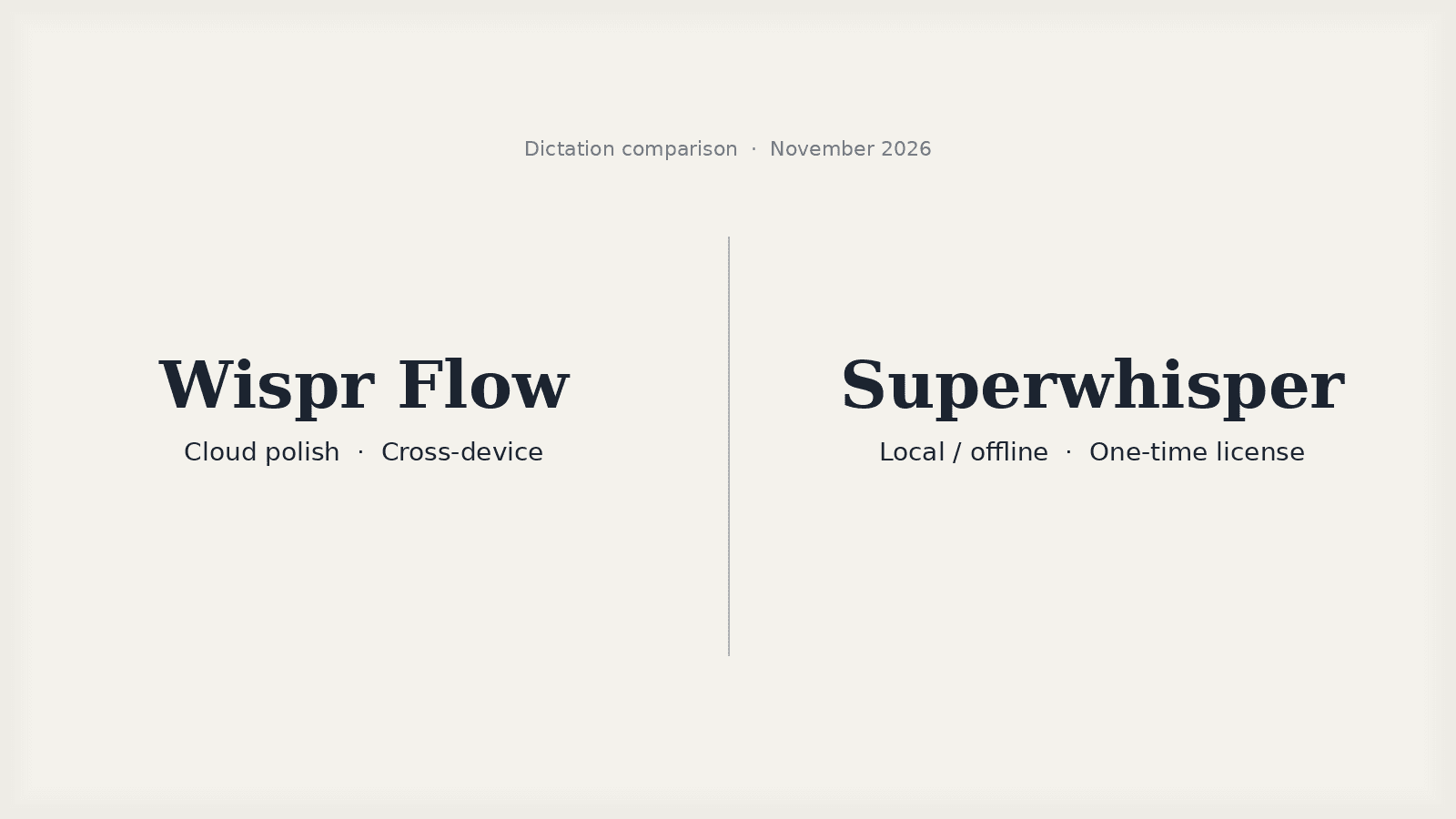
That is the “cloud polish” side of wispr flow vs superwhisper.
When Superwhisper is the better fit
Choose Superwhisper when:
- You need wispr flow offline alternatives — i.e. dictation that still works with no network, or audio that must stay on the machine
- You want superwhisper local dictation with free unlimited Whisper models, and optional stronger local models on Pro (Parakeet / Cohere Transcribe per their plans docs)
- You prefer a one-time Pro license ($249.99 on their site docs as of November 2026) over a recurring seat
- You want Pro features like file transcription, bring-your-own API keys, and AI modes, with a clear Free→Pro split in their billing docs
- You are on Apple Silicon for the best local-model story (their FAQ notes Intel Macs work best with cloud models; offline models “only run really well on Apple Silicon”)
Fair to Superwhisper: if privacy perimeter or offline is non-negotiable, their architecture matches that search intent better than Wispr’s cloud STT.
How this relates to Claude Code /voice
Anthropic’s built-in /voice only covers the Claude Code prompt surface. The comparison for that narrow job is already written: Claude Code /voice vs Wispr Flow. This article is the next fork — which system-wide tool when /voice is not enough. Wispr and Superwhisper can both feed terminals and editors; they do not replace judgement about prompts and memory. One sentence, then stop: see Claude Code memory lessons.
Recommendation
Search intent “wispr flow vs superwhisper” / “superwhisper vs wispr flow”: decide on processing location and pricing shape first, not on marketing adjectives.
- Prefer cloud polish + cross-device + free weekly trial of the Wispr habit → start with Wispr Flow’s free plan, then read the longer Wispr review if you want first-person product context already published here.
- Prefer local/offline + optional lifetime Pro → start at superwhisper.com and their plans docs.
As of November 2026 I am not publishing a new side-by-side accuracy score. Use each product’s free path on your own Mac (and the apps you actually dictate into) for a week if quality is the undecided variable.
FAQ: Wispr Flow vs Superwhisper
Is Superwhisper better than Wispr Flow for privacy?
It depends what you configure. Superwhisper’s docs say local Whisper models keep dictation on your device, and their offline page says audio is processed on your hardware (offline transcription, plans). Wispr’s privacy page says transcription always happens in the cloud, with optional dictation cloud storage and model-training controls (Wispr privacy). If “no audio leaves the machine” is the requirement, start with Superwhisper’s local setup. If you accept cloud STT with vendor controls and certifications, Wispr is still in scope — read both privacy pages for your use case.
Does Wispr Flow work offline?
Wispr’s public privacy page states that transcription always happens in the cloud (privacy). That is the wrong tool if you need dictation with no network. For offline / on-device speech-to-text, Superwhisper documents local models and offline use (offline transcription).
Does Superwhisper have a lifetime license?
Yes, as of November 2026 Superwhisper’s billing docs list Pro at $8.49/month, $84.99/year, or $249.99 once (lifetime), with one Pro license covering Mac, Windows, iPhone and Android (plans & pricing). Prices on App Store / Google Play can be higher — their docs say so.
What is the best dictation app for Mac if I also use Windows and phone?
Both products ship Mac apps and also list Windows, iPhone and Android on their sites as of November 2026. The split is still cloud polish + sync (Wispr) versus local/offline options + optional lifetime Pro (Superwhisper). If cross-device cloud dictation is the priority, start with Wispr Flow’s free plan. If on-device processing is the priority, start with Superwhisper.
Wispr Flow vs Superwhisper for Claude Code?
Either can type into a focused terminal or editor field. Claude Code also has built-in /voice for prompts inside Claude Code only — see Claude Code /voice vs Wispr Flow. That post is about built-in versus system-wide; this one is about cloud versus local system-wide tools. Prompt quality still matters more than input method — memory lessons.
Stay in the loop
Productivity tips, tool reviews and early access to new products, straight to your inbox.