Podcast Transcript Generator: Turn Any Episode Into Searchable Text (2026)
On this page
A podcast transcript generator converts spoken audio into written text you can search, quote, and reuse. Whether you need notes from a favorite show, captions for accessibility, or a searchable archive of episodes, the right tool saves hours of manual typing.
This guide covers how generators work in 2026, which path to pick (link, RSS, or upload), how to export and reuse the text, and when platform-specific tools stop being enough. If you only need Spotify exports, see our dedicated Spotify podcast transcript export guide. For shows without an RSS feed, our transcribe podcast to text walkthrough covers that path in detail.
What a podcast transcript generator actually does
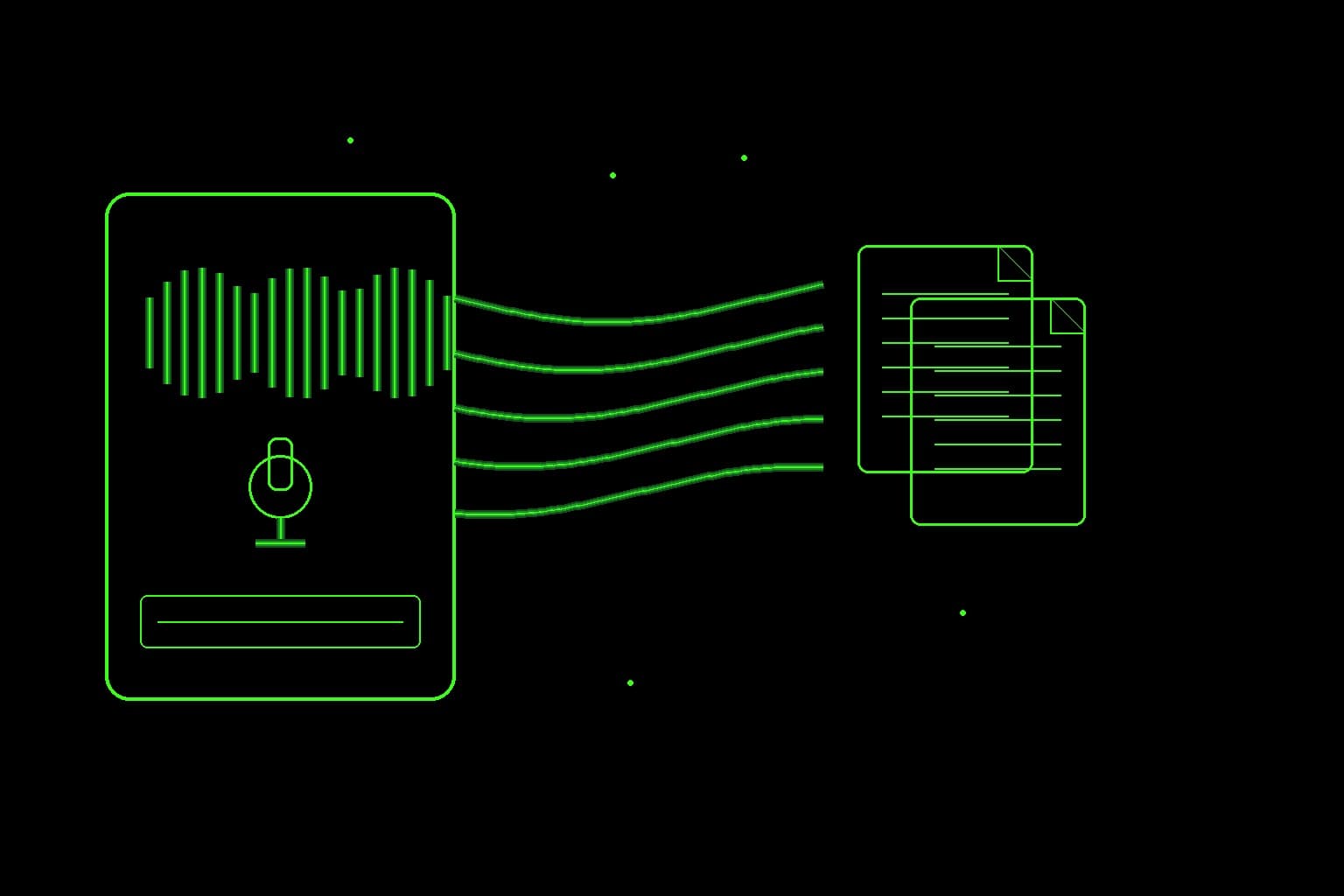
Under the hood, a podcast transcript generator takes audio—usually MP3 or similar—and runs speech-to-text to produce readable text. Better generators add punctuation cleanup, optional timestamps, and search so you can jump to a phrase instead of scrubbing the timeline.
Typical outputs include plain text, Markdown, and timed captions (SRT/VTT). An AI podcast transcript generator simply uses modern speech models rather than older engines. Accuracy still depends on audio quality, accents, jargon, and noise—skim important quotes before you publish them.
Three paths: link, RSS + Whisper, or upload
Almost every podcast transcript generator follows one of three routes. Pick based on convenience versus control:
- Spotify or Apple episode link. Paste a public episode URL and let the tool resolve audio (or an official transcript where the platform exposes one). Wins when you want speed and the show is openly listed. Loses when the player hides media behind app-only APIs—common on Spotify exclusives.
- RSS + Whisper (or similar AI). Pull the episode enclosure from the show’s feed, then run speech-to-text. Wins for reliability across indie and network shows, repeatable archives, and an AI podcast transcript generator you can automate. Best default when the feed is public.
- Upload audio. Download (or record) the file yourself, then upload to a generator or run local Whisper. Wins for privacy, offline work, no-RSS episodes, and full control of where audio lives. Costs you a download step up front.
Privacy / local: upload or local Whisper keeps files on your machine (or your own API key). Convenience: link paste and hosted RSS tools are faster but you trust the vendor with audio and storage. Listener-first apps with bring-your-own-key (BYOK) sit in the middle: convenient UI, your OpenAI bill for Whisper.
The reliable path: RSS + audio + Whisper
The most dependable workflow in 2026 is still straightforward:
- Find the podcast’s RSS feed (often on the show’s website or via directories).
- Download the episode enclosure (the audio URL in the feed).
- Run that file through a speech-to-text model such as Whisper.
- Save, search, and export the transcript.
RSS exposes audio URLs by design. You are not fighting app sandboxing—you are using the open distribution format most shows still publish. If you prefer not to wire this yourself, listener-first apps can automate discovery and transcription with BYOK so the app stays free while OpenAI bills Whisper—useful when you want an AI-powered generator without an app subscription—you still pay Whisper API usage.
Podcast transcript generator from link
Many people want a podcast transcript generator from link: paste an episode URL and get text. Results vary by platform.
Works well when: the link resolves to a public page that exposes the audio file or an RSS item (many Apple Podcasts episode pages and indie show sites do).
Fails or gets messy when: the player hides media behind authenticated APIs or streaming-only tokens. Spotify is the common friction point—there is no universal public “paste any Spotify URL → full transcript” path for every show.
Generating from a Spotify episode link (quick path)
- Copy the episode share link from Spotify (episode page → Share → Copy link).
- Check whether Spotify already shows an official transcript for that episode in the app. If it does and you only need to read along, use that in-app text first.
- If you need export, search, or the official transcript is missing: see whether the same show publishes open RSS elsewhere (many non-exclusive shows do). Prefer RSS + Whisper when available.
- If the episode is Spotify-only or you need Spotify-specific export steps, follow the dedicated deep guide—do not expect a generic link-paste tool to cover every exclusive: Spotify podcast transcript export.
For Apple or indie links, prefer the official episode page over a social share card. If the tool asks for RSS instead of a single URL, that is often more reliable. For one-off episodes without a feed, upload the audio—see how to transcribe a podcast to text.
Export and reuse: show notes, quotes, SEO, and captions
Generating text is only half the job. A good podcast transcript generator should make export and reuse easy:
- Show notes and outlines. Skim the transcript for segments, then rewrite in your voice—do not paste raw AI text as polished notes.
- Quotes and research. Searchable transcripts make citation easy; always verify names, numbers, and attributions against the audio.
- SEO blog posts. Use the transcript as source material for summaries or topic posts. Edit heavily for structure and originality; thin “episode dump” pages rarely earn trust.
- File formats. TXT and MD suit notes and wikis. SRT / VTT suit captions and video. Pick timed formats only when you need sync with playback.
Be honest about speaker labels and timestamps. Automatic speaker diarization (“Host” vs “Guest”) is imperfect—especially with similar voices or crosstalk. Timestamps help navigation but can drift a second or two. For accessibility captions or public quotes, spot-check labels and timing rather than shipping the first pass unedited.
Free vs paid: what you actually pay for
“Free” can mean several different things when you evaluate a podcast transcript generator:
- Free app + BYOK: You pay OpenAI (or another provider) for API minutes. The product may charge nothing for the interface.
- Free tier with limits: Minutes per month, capped exports, or slower queues.
- Fully free DIY: Local Whisper on your machine—powerful, but you handle downloads, models, and storage.
Paid plans usually buy convenience: host-managed transcription, higher limits, team workspaces, and polished exports. For occasional personal use, BYOK or a modest free tier is often enough. Ask: Who holds the audio? Who stores the transcript? Can you export everything? For a longer cost breakdown of free-tier options, see our free podcast transcription tool guide. To compare human, AI and DIY services by real cost per audio hour, see our podcast transcription service breakdown.
Apple Podcasts angle: using an Apple podcast transcript generator
Apple Podcasts listeners often want an Apple podcast transcript generator because Apple’s app already surfaces transcripts for many shows—but not always for every episode, language, or offline workflow. In-app text is great for reading along; it is weaker when you need a cross-show archive, plain-text export, or episodes Apple has not captioned yet.
Practical approach: use Apple’s transcript when it exists and you only need to follow along; when you need export or search, pull audio via RSS (most Apple-listed shows still distribute via feed) or upload and run an AI generator. A listener-first search tool helps if you jump between many episodes.
When Spotify-only tools are not enough
Spotify transcripts and export workflows are valuable—but they are not a universal podcast transcript generator. They struggle with exclusives that lack open RSS, Apple-only or indie shows, and the need for one searchable library across platforms.
If your primary need is Spotify specifically, use Spotify podcast transcript export. If your library spans Apple, RSS, and uploads, choose a platform-agnostic generator.
DIY vs ready-made generators
Choosing a podcast transcript generator often comes down to DIY control versus a ready-made UI. Use this table as a quick filter:
| Approach | Best for | Tradeoffs |
|---|---|---|
| DIY (download + local/API Whisper) | Technical users, full control, one-off batches | Setup time, storage, no polished search UI |
| Hosted generator (upload/RSS) | Speed, non-technical users | Subscription or API costs; trust the vendor |
| Listener search app (e.g. Podskrift) | Ongoing listening + search across episodes | Optimized for listeners, not studio production suites |
| Platform built-in (Apple/Spotify) | In-app reading while listening | Export and cross-platform search often limited |
DIY wins when you script downloads and care about cost per hour. Ready-made tools win when you want results today. Listener-first products sit in between: less “studio CMS,” more “find that quote from last month’s episode.”
A simple way to generate and search transcripts
If you want a practical middle path—a podcast transcript generator with search, without building a pipeline—try Podskrift. It is built for listeners who want to find what was said. Bring your own OpenAI key so Whisper usage bills to you while the app stays free to use. Start at podskrift.com when you need search-first transcripts across the shows you already follow.
FAQ: podcast transcript generator
Looking for searchable listener transcripts? Visit Podskrift. Need Spotify-only export steps or no-RSS transcription? See our Spotify export guide and transcribe podcast to text guide.
What is the best free podcast transcript generator?
There is no single winner for every case. For true zero software cost, local Whisper is hard to beat if you are comfortable with DIY. For convenience without an app fee, look for BYOK tools that bill OpenAI directly. Free tiers of hosted services work for light use but often cap minutes.
Can I generate a transcript from a podcast link alone?
Sometimes. Links that resolve to public audio or RSS items work well. Links that only open an authenticated streaming app often do not. When a Spotify link fails for export, use the Spotify export guide or fall back to RSS / upload.
Does an AI podcast transcript generator work for Apple Podcasts?
Yes, in most cases—because many Apple-listed shows still publish RSS enclosures you can transcribe. Apple’s own in-app transcripts help for reading along; an external AI generator helps when you need export, search, or missing captions.
How accurate are AI podcast transcripts in 2026?
Clean studio speech is often highly usable; interviews with crosstalk, heavy accents, or niche jargon still need a human pass for anything you will quote publicly. Speaker labels and timestamps especially deserve a quick check.
Is a Spotify transcript the same as a general podcast transcript generator?
No. Spotify transcripts and export workflows are platform-specific. A general podcast transcript generator should handle RSS, uploads, and (where possible) open links across ecosystems. Use Spotify-focused guides when that is your only platform; use a broader generator when your listening is mixed.
Stay in the loop
Productivity tips, tool reviews and early access to new products, straight to your inbox.