Setapp Review 2026: Honest Verdict After 7 Years
On this page
Disclosure: this article contains affiliate links. If you subscribe through them I earn a commission at no extra cost to you. I have paid for Setapp out of my own pocket for years, including a stretch where I cancelled it.
Short version: Setapp is clearly worth it in year one and roughly breaks even after that. That was not the answer I expected when I sat down and did the arithmetic, and it is not the answer most affiliate reviews will give you — so let me show the numbers instead of asserting a verdict.
I first subscribed in 2019. I cancelled that same year. I was back by 2021 and I have been paying since. This Setapp review is built on that, not on a seven-day trial.
What Setapp actually is
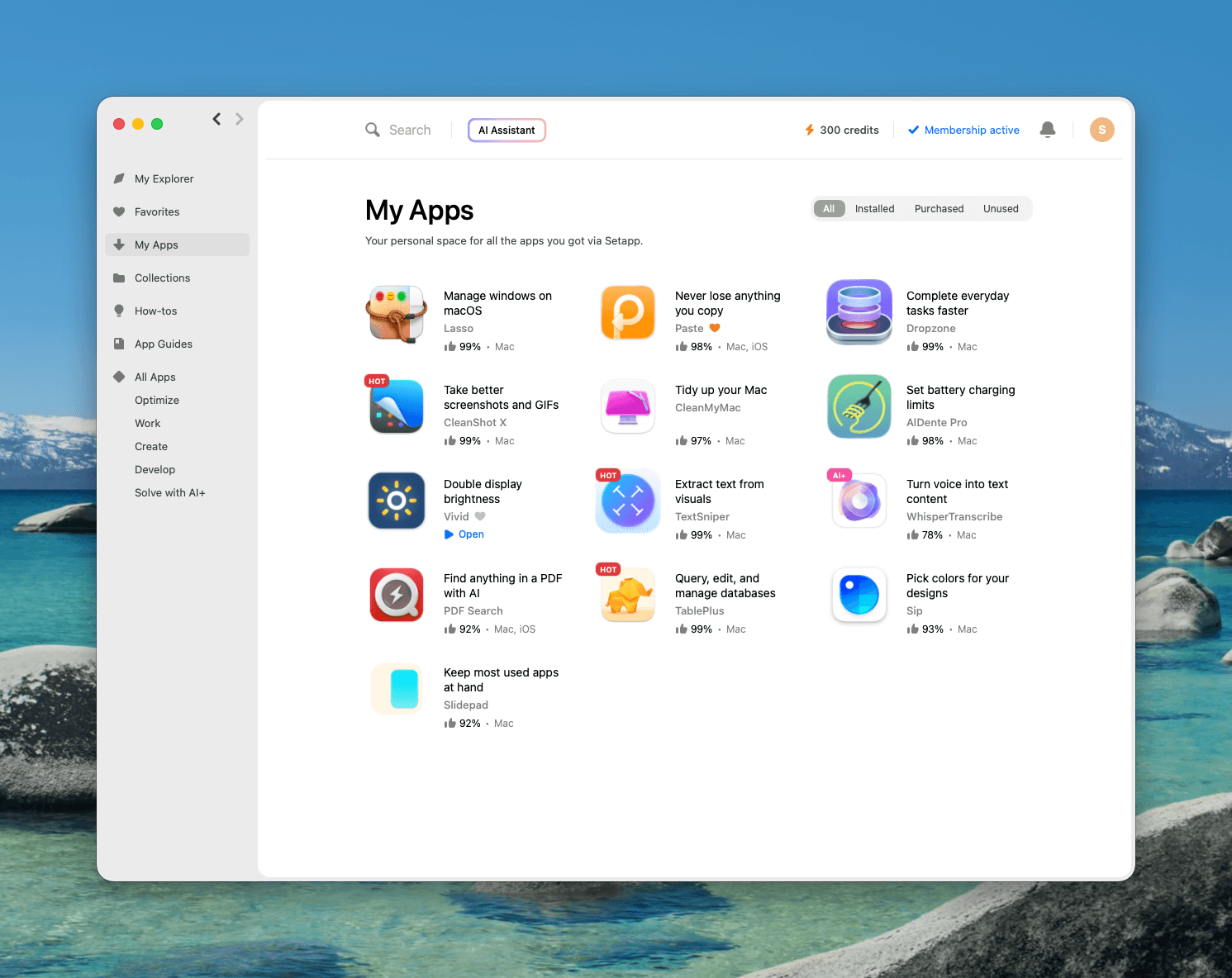
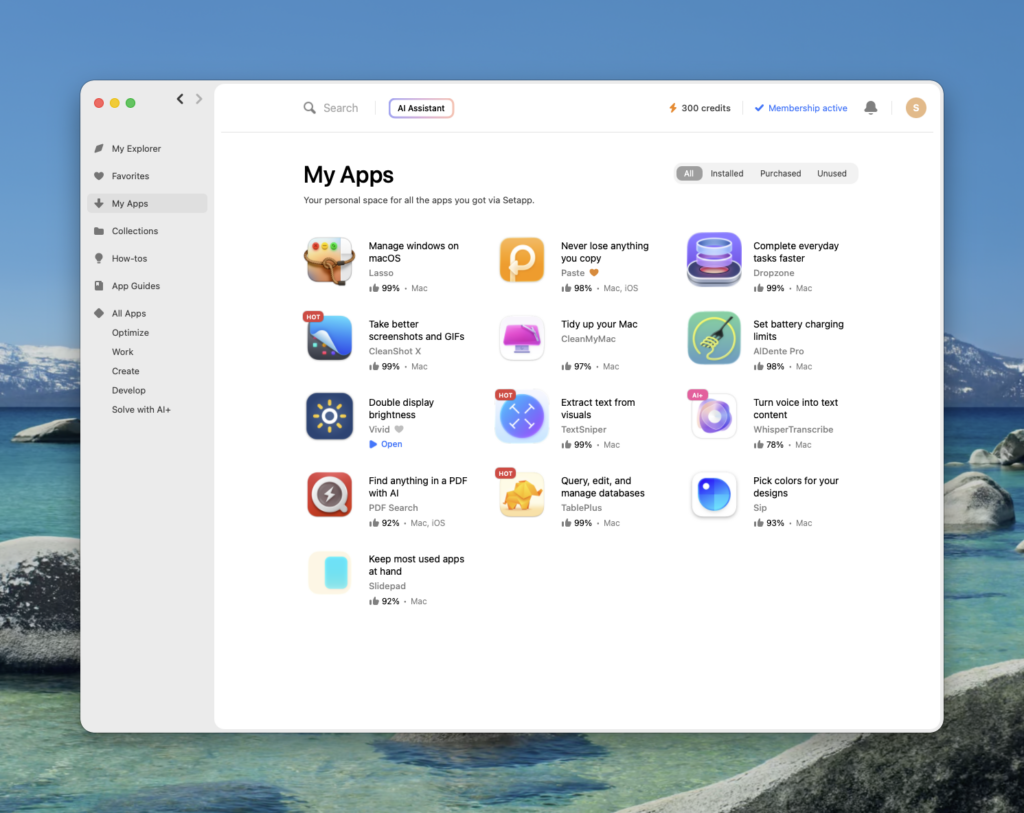
Setapp is a subscription from MacPaw that replaces individual app licences with a single bill. You install a Setapp client, browse a curated catalogue — 330+ Mac, iOS and web apps as of July 2026 — and use whatever you want for as long as you pay.
One structural fact decides everything else: there is no free tier and nothing is ever yours. Stop paying and the apps stop opening. Keep that in mind through the rest of this Setapp review, because it is the hinge the whole value question turns on.
Setapp pricing in 2026
Three plans, each with a 7-day free trial, per Setapp's own pricing page:
| Plan | Monthly | What you get |
|---|---|---|
| Mac | $14.99/mo | 1 Mac, 1,000 AI credits |
| Mac + iOS | $18.99/mo | 1 Mac + 4 iOS devices, 1,000 AI credits |
| Power User | $22.99/mo | 4 Macs + 4 iOS devices, 2,000 AI credits |
Pay annually and the Mac plan drops to $107.88 — $8.99 a month, 40% off. Twelve months of monthly billing is $179.88. You are paying $72 a year for the privilege of being able to quit on 30 days' notice. If you have decided Setapp is for you, the monthly plan is simply the wrong plan.
There is also a 20% educational discount on the Mac + iOS annual plan for anyone with a .edu or institutional email address. Read the section on what I dislike before you take it.
Setapp review: the math nobody shows you
Every Setapp review gestures at "you'd pay hundreds for these apps individually" and none of them show the work. Here are the ten apps I actually have installed, at their real standalone prices in July 2026:
| App | Standalone price | Type |
|---|---|---|
| TablePlus | $99 (Basic, 1 device) | one-time |
| CleanShot X | $29, then $19/yr for updates | one-time + optional renewal |
| Paste | $29.99/yr | subscription |
| AlDente Pro | €23.99 (~$26) | lifetime |
| Bartender | from $12 | one-time |
| Vivid | €10 (~$11) | one-time |
| TextSniper | $7.99 (1 Mac) | one-time |
| CleanMyMac | from $3.33/mo | subscription |
| Spark | free tier; paid Premium | subscription |
| WhisperTranscribe | subscription | subscription |
Year one, buying outright: roughly $185 up front plus about $70 a year in subscriptions — call it $255. Setapp's annual Mac plan is $107.88. Setapp wins by more than half, and it is not close.
Year two is where it turns over. The perpetual licences are paid for. You are left renewing Paste, CleanMyMac and CleanShot X — somewhere near $89 a year against Setapp's $107.88. Buying individually is now cheaper, and you own the software.
So the honest framing is that Setapp is not a discount, it is a financing structure. You swap a lump sum for a flat recurring fee, and you rent instead of own. Whether that is a good trade comes down to how many apps you use and how often your list changes.
The ten apps that earn it for me
Two of these carry the subscription. The rest are the long tail that makes it defensible.
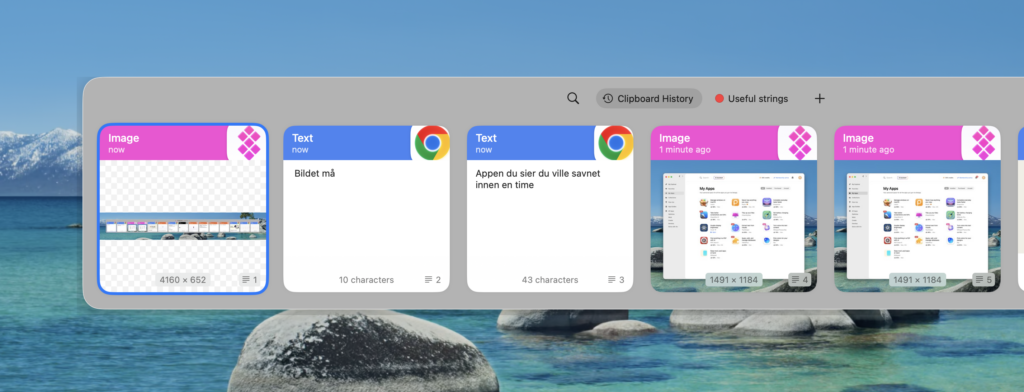
- Paste — clipboard history, and the one I would notice missing within an hour. Moving snippets between a terminal, an editor and a browser without losing what was there before.
- TablePlus — database GUI. At $99 standalone it is the most expensive thing on my list and on its own it covers most of a year's Setapp fee. If that tells you what kind of Mac user I am, my writeup on debugging Chrome remotely from Claude Code will tell you the rest.
- Spark — the mail client I actually live in, across several accounts. Genuinely the best email app I have used on the Mac.
- CleanShot X — screenshots and screen recording. Replaces Cmd-Shift-4 outright. Scrolling capture and annotation are the reason.
- Bartender — hides menu bar icons. Deeply unglamorous, used every single day.
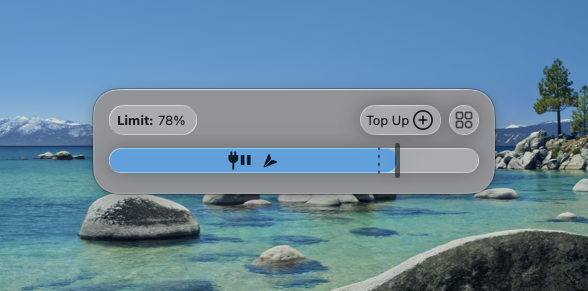
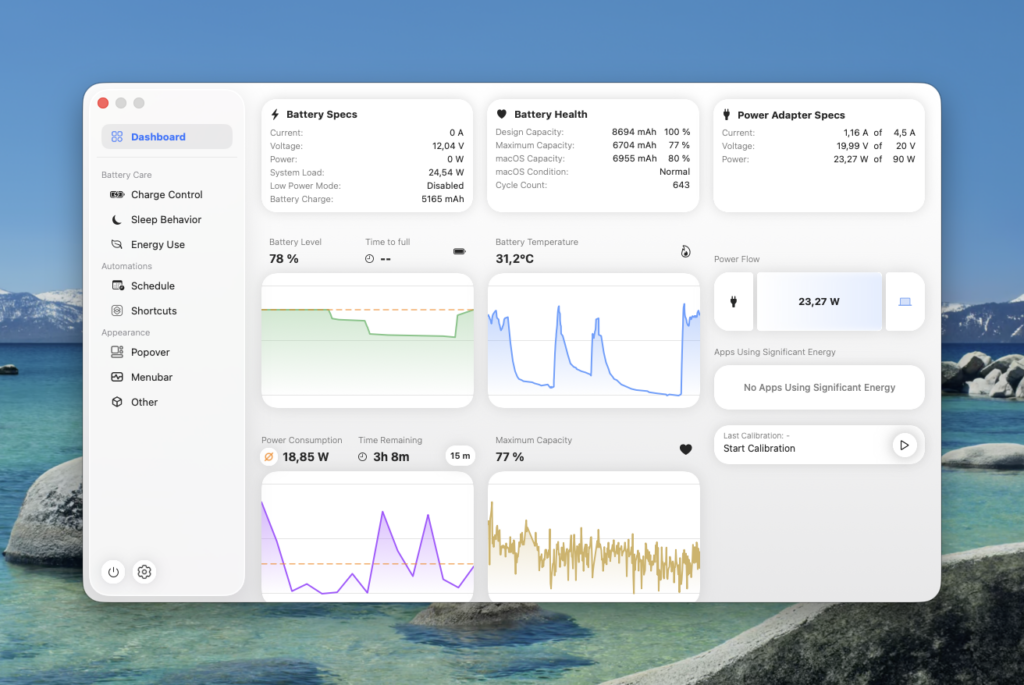
- AlDente — caps charging at a set percentage so a permanently docked MacBook does not slowly cook its battery.
- TextSniper — OCR from anything on screen. Pulls text out of screenshots, PDFs and video frames.
- Vivid — pushes an XDR display past its normal brightness ceiling. Genuinely useful outdoors.
- WhisperTranscribe — transcription.
- CleanMyMac — the app that tips the arithmetic, and the one I would defend least on technical grounds. More on that below.
If your list is three apps long, the numbers above do not work for you. Mine is ten, which is why they do.
What I do not like about Setapp
If a Setapp review has no complaints in it, close the tab. Here are mine.
Nothing is ever yours. This is the real cost and it is easy to under-weight while you are happily paying. Every app stops working the day the subscription lapses — including ones you would gladly have bought outright and kept forever. You are not building a toolkit, you are renting one.
Apps leave the catalogue. Titles come and go. When one leaves, you do not get a licence as a parting gift — you start paying its developer directly or you find a replacement. Any workflow you build on a Setapp app carries that risk quietly.
The educational discount can trap you. I signed up on a university address years ago. When I left the institution the address died, and Setapp's sign-in sends a one-time code to the account email — so I could neither log in nor change the address, because the confirmation for changing the email went to the same dead inbox. It took a support ticket to unstick. If you take the student discount, use an address you will still control after you graduate, or plan on migrating the account before you lose the old one.
The house app is the weakest link in the pitch. CleanMyMac is MacPaw's own flagship and the app most often used to justify the subscription's value, and it belongs to a category — Mac cleaners — that modern macOS has made steadily less necessary. A vendor curating a catalogue it also sells into is a conflict worth naming out loud rather than glossing over.
Is Setapp safe?
Yes, with ordinary caveats. Setapp is operated by MacPaw, an established software company, every app in the catalogue is reviewed before listing, and the binaries go through Apple's notarisation process. You are not installing anything unvetted.
The legitimate objections are not about malware. They are the conflict of interest above, and the fact that you are handing one vendor the ability to switch off ten tools at once. That is a business-continuity question, not a security one, but it is the one worth actually thinking about.
Setapp alternatives
- Buy the apps individually. The real alternative — and by the arithmetic above, the cheaper one from year two if your list is stable.
- One-off bundles such as Bundlehunt. Cheap, but you take what is in the bundle rather than what you need.
- Free equivalents. Maccy for clipboard history, Shottr for screenshots, DBeaver for databases, Ice for the menu bar. All genuinely good. You pay in configuration time rather than money.
Setapp's edge over all three is not price. It is that trying a new app costs nothing, so you actually try them — and occasionally one becomes part of how you work. Vivid and AlDente both reached me that way, and I would never have paid to find out.
Verdict: is Setapp worth it?
Subscribe if you use four or more paid Mac utilities, your list shifts over time, and you would rather not think about licences and upgrade pricing. Take the annual plan.
Skip it if you have a settled list of three or four apps you already own. Buy them once. You will be ahead inside two years and you will still have working software the day you decide to stop paying anyone.
I am still subscribed, and the most useful thing I can tell you in this Setapp review is that I have run the experiment in both directions — I left, I came back, and I stayed. TablePlus, Paste and Spark alone justify it for me. Your list is the whole argument.
Start a free 7-day Setapp trial — and if you stay past the trial, take the annual plan.
FAQ
How much does Setapp cost?
$14.99/month for the Mac plan, or $107.88/year — a 40% saving. Mac + iOS is $18.99/month, Power User is $22.99/month. All include a 7-day free trial.
How many apps does Setapp have?
330+ Mac, iOS and web apps as of July 2026.
Is Setapp worth it?
In year one, comfortably. The ten apps I use cost roughly $255 to buy outright versus $107.88 for a year of Setapp. From year two the gap closes and buying individually edges ahead, because the perpetual licences are already paid for.
What happens if I cancel Setapp?
Every app stops working. There is no perpetual licence, no grace period and no read-only mode. This is the single most important thing to understand before subscribing.
Is there a Setapp student discount?
Yes — 20% off the Mac + iOS annual plan with a .edu or institutional email. Use an address you will keep access to after you leave, or you will end up locked out of your own account.
Is Setapp safe?
Yes. MacPaw vets every app in the catalogue and the apps are Apple-notarised.
Why trust this Setapp review?
Because it is written by someone who pays for the product, names what is wrong with it, and shows the arithmetic that makes buying individually the better deal from year two. This Setapp review carries affiliate links and still tells you when not to subscribe.
Stay in the loop
Productivity tips, tool reviews and early access to new products, straight to your inbox.